1
Sealing
Adjust the sealing temperature and settings. Initiate the automatic blister packing and sealing machine to the plastic film and sealing material together, creating sealed blister packs.
2
Cutting & Pack Inspection
Set the cutting parameters for individual packs. Start the automatic blister packing sealing machine to cut the continuous strip into separate blister packs. Collect the blister packs and inspect them for proper sealing and packaging quality.
3
Power Off & Troubleshooting
Once packaging is complete, turn off the automatic capsule blister packing machine, disconnect it from the power source, and clean the working area. If issues arise, consult the user manual for troubleshooting steps or contact technical support.
4
Maintenance
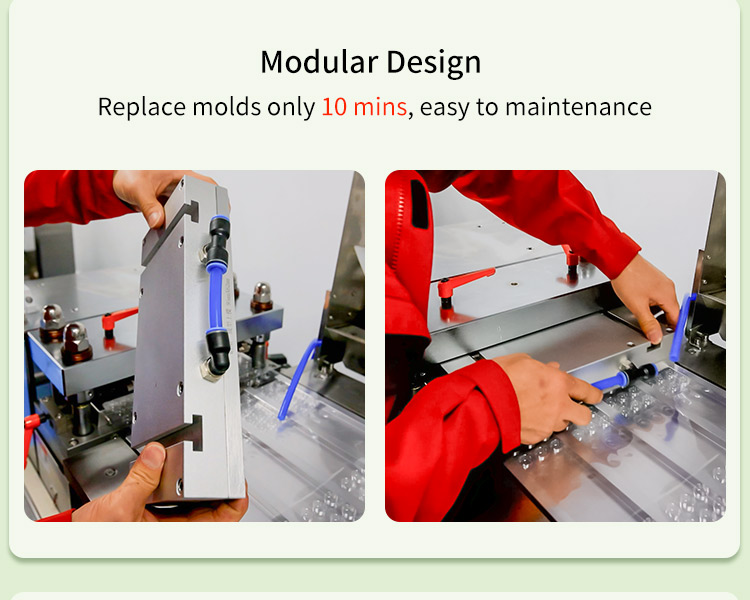
Regularly clean the automatic plate type blister packing machine, lubricate moving parts, and inspect components for wear. Follow manufacturer's guidelines for maintenance.
By following these steps, you can effectively operate the automatic tablet blister packing machine, achieving consistent and reliable packaging results.
Frequently Asked Questions (FAQ)
What is the hourly production capacity of this blister packing machine?
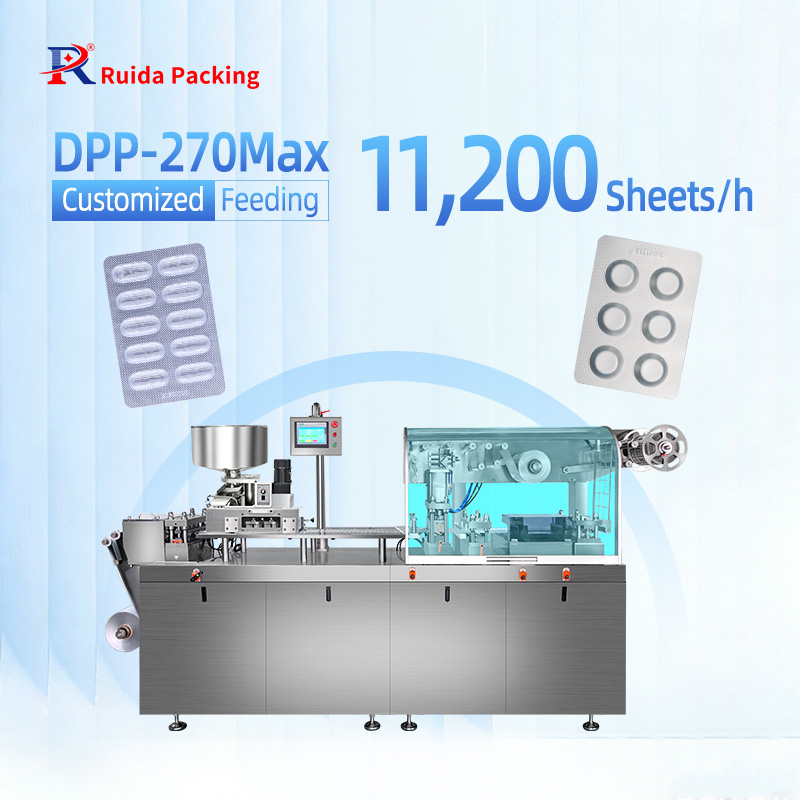
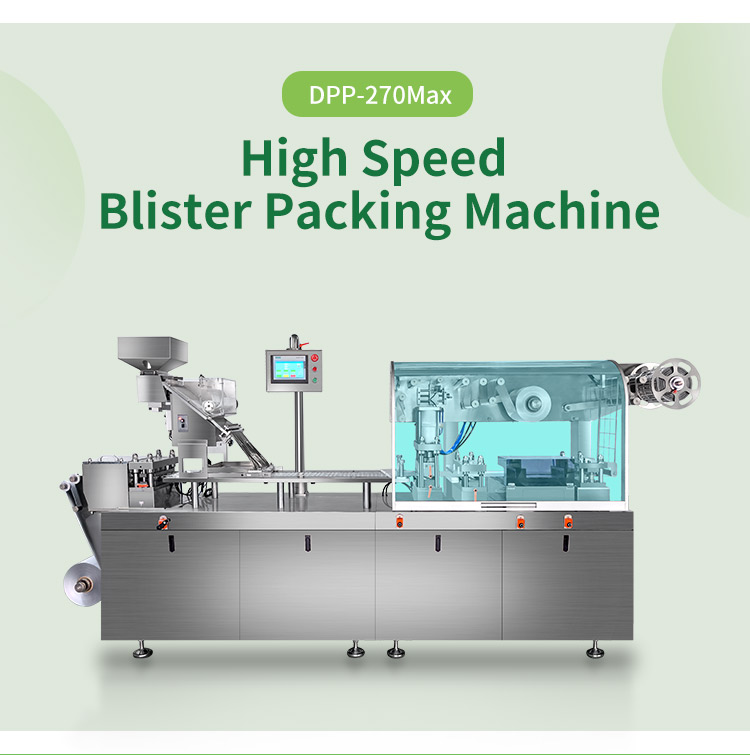
The machine features a high production efficiency capacity of 11,220 blisters per hour.
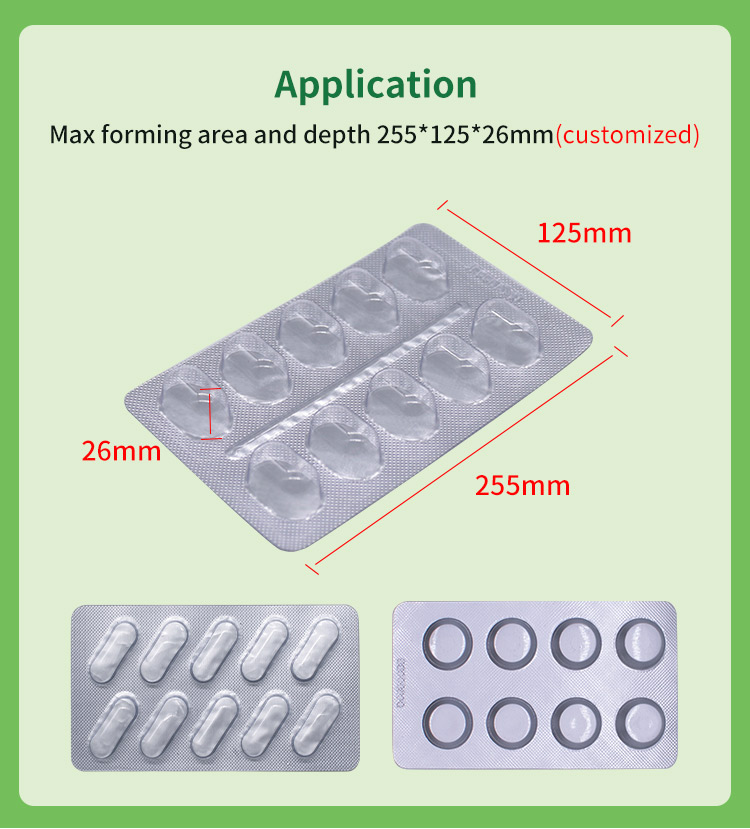
Can the forming area and depth be customized?
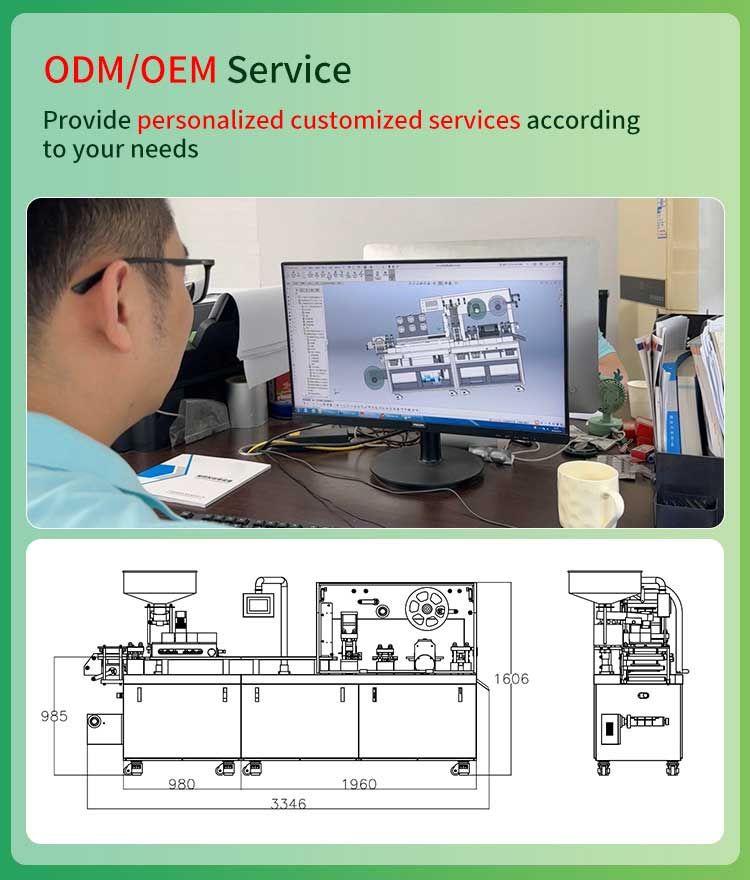
Yes, the standard maximum forming area and depth are 255*125*15mm, but a maximum depth of up to 26mm can be custom made to fit specific requirements.
What are the power supply specifications required for operation?
The standard power configurations are 380V/220V/50Hz, which can be custom made based on regional standards, with a total power consumption of 7.0kW.
How should the cutting and sealing processes be configured?
You need to adjust the sealing temperature settings to fuse the plastic film and sealing material, and then set precise cutting parameters to divide the continuous strip into individual packs.
What regular maintenance needs to be performed on the machine?
Regular maintenance includes cleaning the working area, lubricating the moving components, and thoroughly inspecting all parts for signs of wear according to the manufacturer's guidelines.
What steps should be taken if an issue arises during packaging?
In case of operational troubleshooting, you should turn off the machine safely, consult the detailed steps provided in the user manual, or reach out directly to technical support.